Launcher

Next Launcher 3D play.google.com.nextlauncher
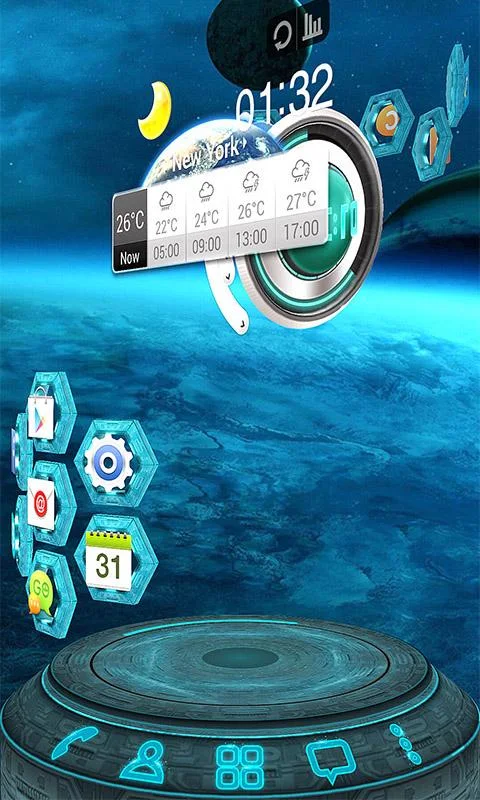
Next Launcher is a new launcher application which is full of glorious 3D elements and dynamic effects. Fancy 3D visual elements, gorgeous transition effects and humanized gestures bring you a unique and splendid operation experience and visual enjoyment.

Features:
Various operation for icons: icons support rotation, reset, select, align and so on. Operation is easy and fantastic.
Unlimited screen layout: placing icons or widgets randomly which forms your own home screen.
Stereoscopic screen preview: lots of screen display effects, dazzling animation of screen switching about adding or deleting screen.
Quick screen management: adding different kinds of elements in screen edit including application icons, folders and widgets. It’ll support changing wallpapers and themes soon.
Rotatable dock: inverting upward or downward the Dock can quickly switch among home screen, screen edit and screen preview.
Powerful app drawer: icons can be arranged by names or by time, and folders can be created by overlaying icons. Batch mode and operation of adding apps to screen are also available.
Beautiful scrolling effects: a variety of app drawer scrolling effects that provide a distinctive screen switching experience.
Fancy 3D widgets: 3D widgets that are based on Next Launcher are coming soon!
Tips:
Please make sure your device has installed Google Play.
Phone performance:Android 2.3.3 and up; Dual-core models is better.
Suggestion:Watch the video of Next Launcher first, to know about the cool operation of the product.
Notice: We suggest users which use Galaxy Nexus don't remove the Menu icon.
What's in this version: (Updated : Aug 30, 2013)
(New) 3D Scene mode Beta (Menu->Preference->Switch to 3D scene mode)
(Fix) Freezing in some devices
Required Android O/S : 2.2+

 
Next Launcher 3D - screenshot 


RATING


Or SCAN

QR Code

theme


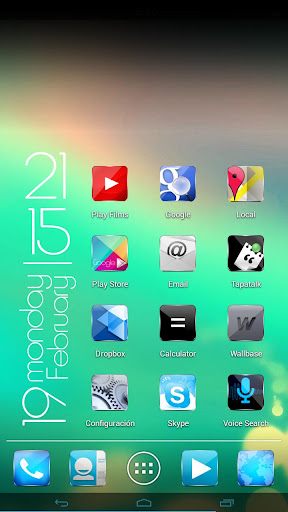
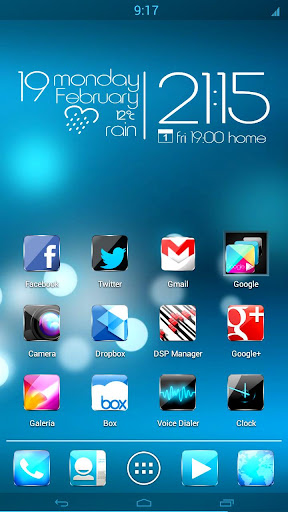
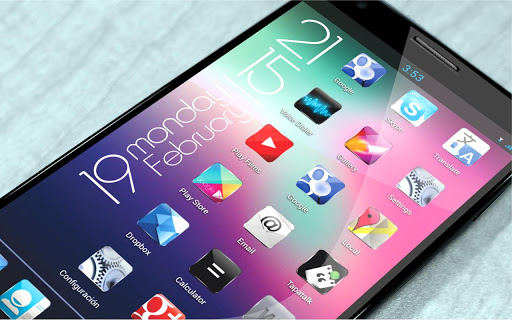
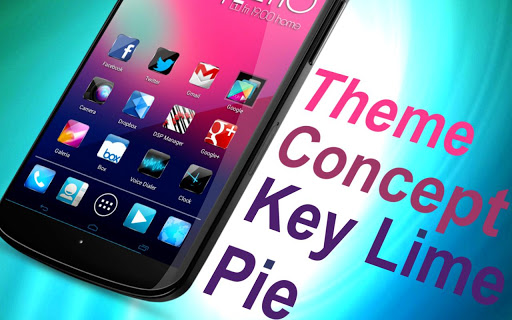
Concept key lime pie HD 7 in 1 play.google.com.kelylime
Also compatible with Apex Launcher, Nova Launcher, ADW, Holo and others.
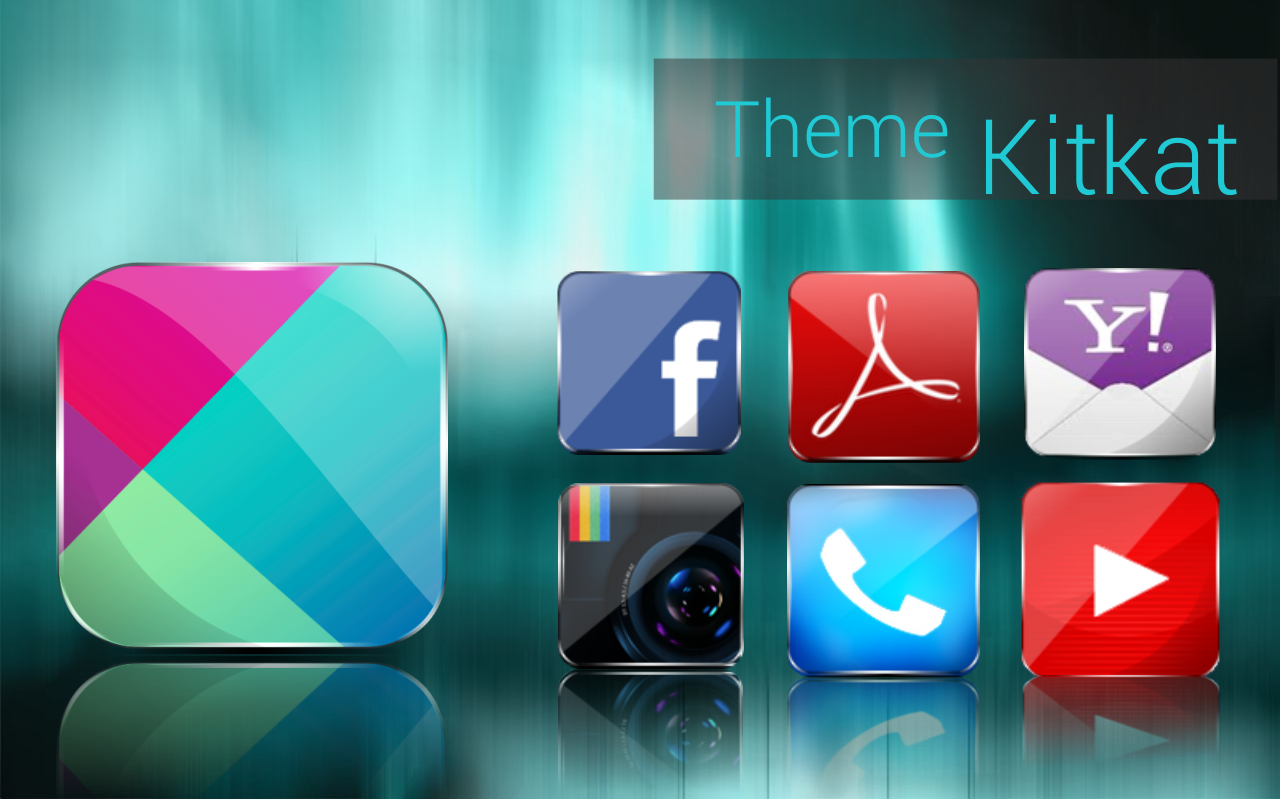
This topic contains 400 icons and adding every week! And also contains wallpapers in high resolution.
for users of go launcher also contains skins for widgets go
Recommended system according to your android.
Go Launcher from Gingerbread to the current
Noba Launcher from Android 4.0 to the current
ADW from android 1.6 to the current
HOLO Launcher works from android 2.3 with a style "Holo" as the current andrid the most recommended for best effect on older phones.
This is not an application, you need a pitcher like Go, Nova, Apex, Holo, ADW launcher and other custom themes that allow changing icons ye,
if you are not sure which launcher to use according to your phone send us an email and we will help you choosing an better customization for you either phone or tablet
installation

Works with:
Go Launcher EX
Nova Launcher
Apex Launcher
ADW Launcher Ex
free ADWLauncher
compressed HD Go Launcher (icons only)
Launcher Pro
Walpaper design and resolution

ATTENTION:
Android Version 4.1.1 has some problems with Go Launcher
PLEASE SEND A EMAIL US SO WE CAN HELP.WE WILL SEND THE SOLUTION
REMEMBER TO SEND YOUR NAME AND NUMBER OF PURCHASE AND WILL HELP IMMEDIATELY.
Especially with the application Golauncher
Install
Lockescreen:
Make sure GO Launcher EX or above and GOLocker Ex v1.68 has been installed;
Click Go locker ->
Menu select installed ->
choose a theme “Concept KLP” and apply.
Enjoy.
Nova Launcher free or Prime
Nova Settings ->
Look and feel ->
Icon theme->
choose a theme “theme android KLP” and apply.
Enjoy.
What's in this version: (Updated : Sep 3, 2013)
ATTENTION
This is NOT a standalone app, you need a launcher such as Go, Apex, Nova, etc that allow custom themes.
"Calendar / Clock widget is Zooper Widget, FREE: http://goo.gl/A71I4 or PRO: http://goo.gl/QV5qY"
Fix Golocker
New Icon Hangouts
New Incon Viber, Whatsapp
Required Android O/S : 2.0+


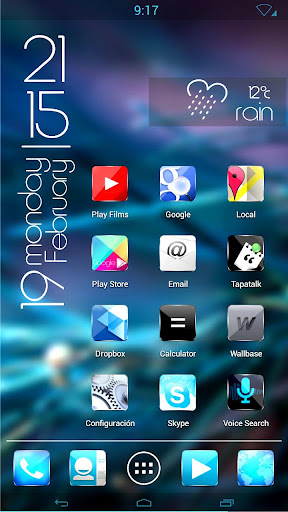
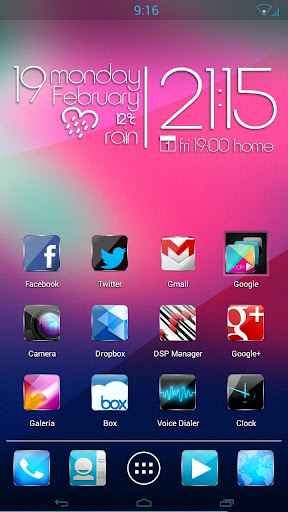
Concept kit kat HD 7 in 1 - screenshot


RATING